
Start with your setup.
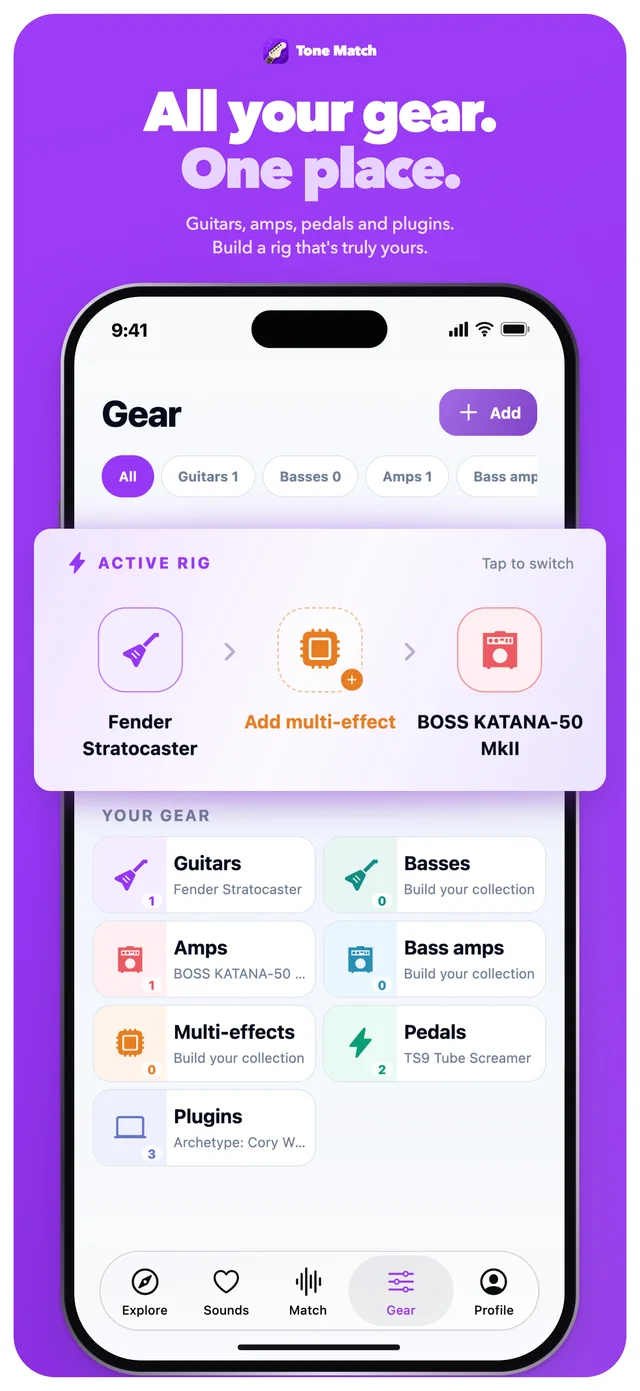
Bring your guitars, amps, pedals and plugins together — including plugins you use in Ableton Live, Logic Pro and other DAWs.
Guitar
Pedals
Amp
Plugins
For the gear you already own
Find song-inspired settings for your own guitar, amp, pedals and plugins.


Less guesswork. More playing.
Bring the equipment you love. Tone Match helps you explore what it can do.
Bring your guitars, amps, pedals and plugins together — including plugins you use in Ableton Live, Logic Pro and other DAWs.
Get AI-assisted control suggestions and a practical signal chain, then fine-tune the settings by ear.
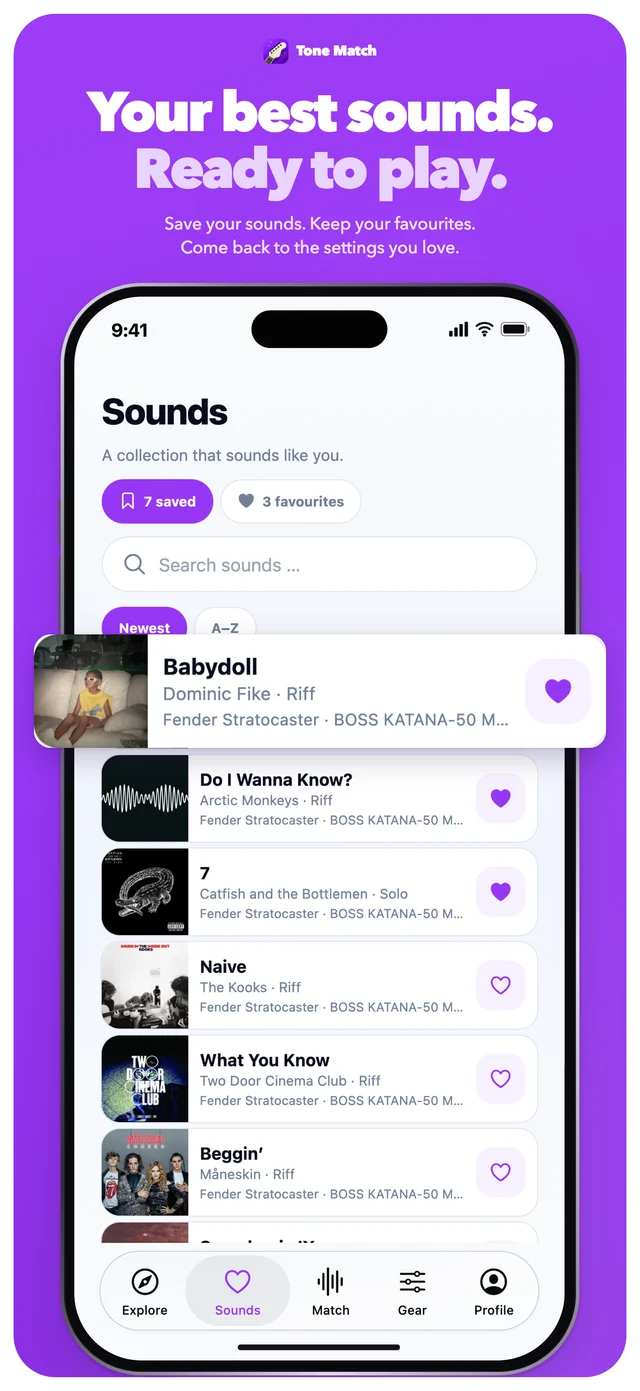
Come back to your created sounds, save your favourites, and spend your next session making music.

From inspiration to your rig
Add your instruments, amps and effects. Choose your active setup.
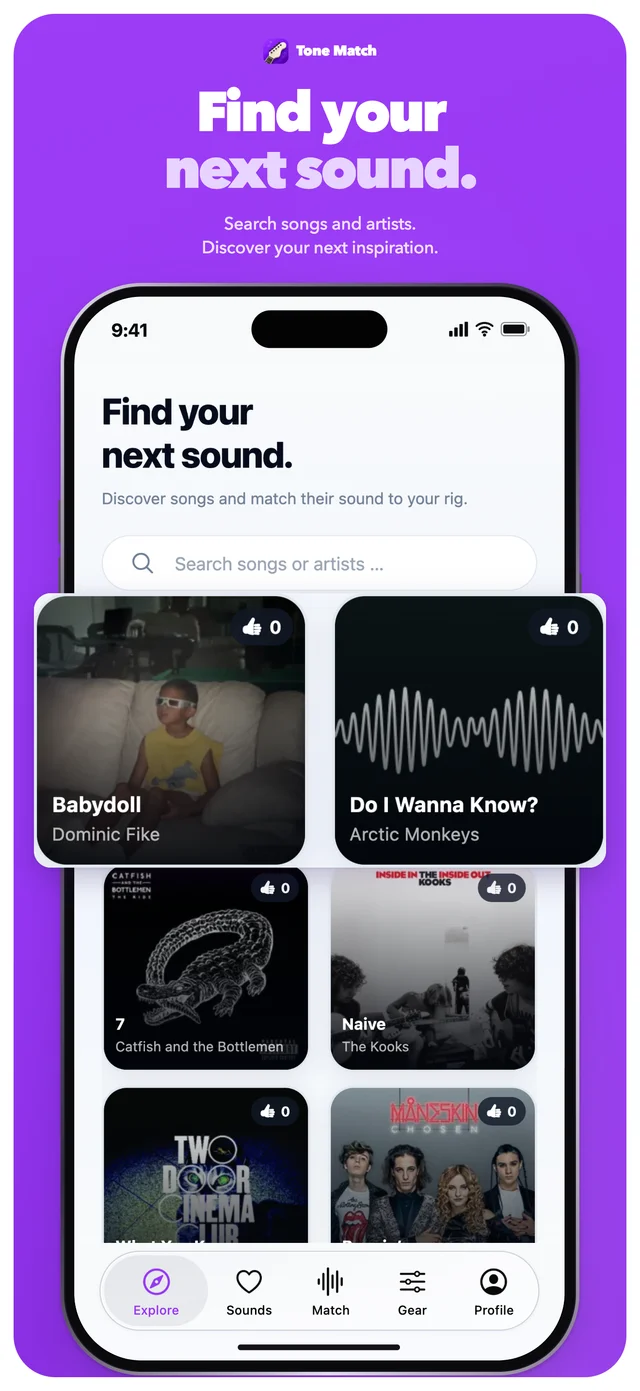
Search a song or artist, choose a riff or solo, and explore a tone character.
Try the suggested settings in signal-chain order. Adjust to your playing, your room and your ears.
A home for your next sound
Settings are researched, AI-assisted starting points. Your instrument, playing and room shape the result.
Tone Match for iPhone
Your favourite songs. The gear you own.
A little closer to the sound in your head.
 App Store link coming soon
Creating sounds requires an account, an internet connection and an active subscription. Subscription details are shown in the app.